Why most attempts fail
"Use my phone less" fails for the same reason "eat better" fails: it's a wish, not a plan. Screen time drops when three things happen. You know where the time goes, you block the specific leaks, and the new boundaries run automatically. Skip any one of those and the phone wins by default.
The 7-day plan
Days 1–2: Measure, change nothing
Resist the urge to fix things immediately. For two days, just watch your numbers: total daily time, your top five apps, and your peak hours. You're looking for the shape of the problem. Almost everyone finds the same pattern: two or three apps carry most of the total, concentrated in a few predictable windows.
Day 3: Pick your three windows
Don't cut everywhere; protect the hours that matter most. The usual best picks: the first hour of the morning (sets your attention for the day), your core work or study block, and the hour before bed (pays out in better sleep). Three windows, clearly defined.
Days 4–5: Block your top apps in those windows
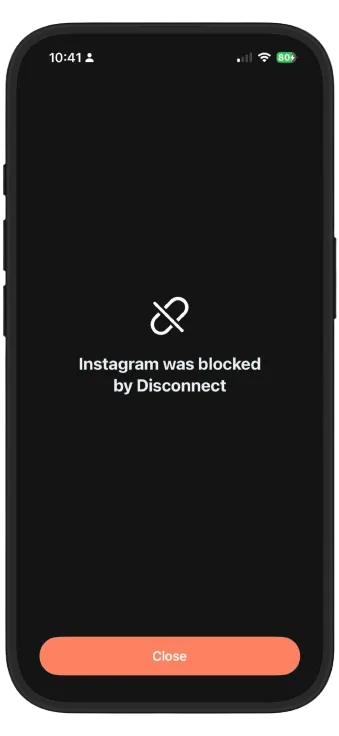
Now target precisely: your top two or three time-sink apps, blocked during your three windows, not banned all day. This is the difference between a sustainable boundary and a crash diet. You can still scroll at lunch; you just can't hemorrhage your morning into a feed.
Days 6–7: Automate and review
Turn what worked into standing schedules so week two requires zero decisions. Then compare your daily total against day one. A drop of 60 to 90 minutes per day in the first week is common. That's 7 to 10 hours a week back, from three fenced-off windows.
- Measure: open Insights for your daily total, hour-by-hour chart and most-used apps. Days 1 and 2, done automatically.
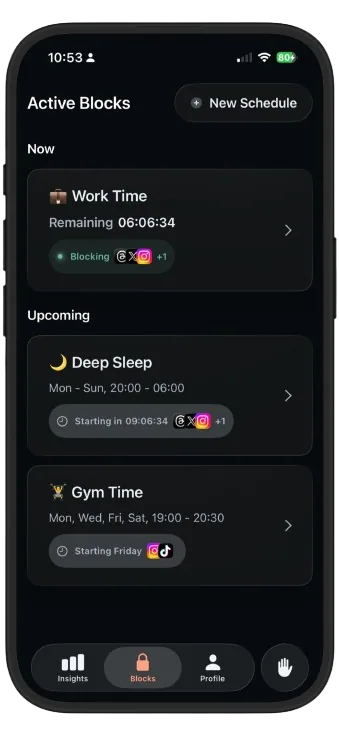
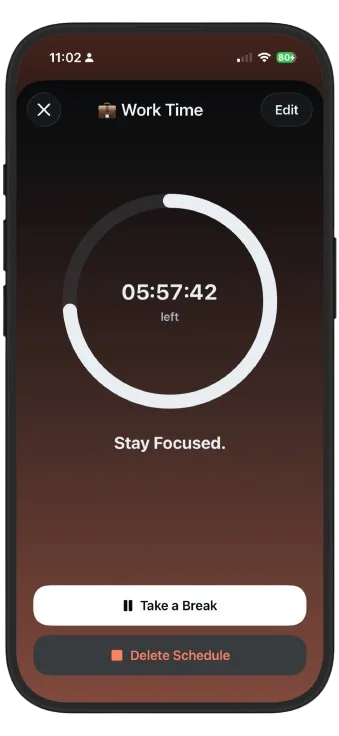
- Block: create schedules for your three windows, e.g. Morning Focus (07:00–09:00), Work Time (09:00–17:00 weekdays), Deep Sleep (21:30–06:30).
- Add each schedule's apps: just your top time-sinks, not everything.
- Review: check Insights at week's end and watch the daily bars shrink. Adjust one window at a time.
Keeping the hours you won
Screen time creeps back the way it arrived: quietly. Two habits keep it down. Glance at your weekly Insights every Sunday (thirty seconds is enough), and when a new app starts absorbing time, add it to an existing schedule rather than starting a new fight. The system you built this week keeps working as long as you let it run.